“
Whether I'm at my shop, doing a guest spot, or booking for a convention it makes my life simpler than when I was using Instagram and emails. There's way less chaos in my life!
”Automatic Reminders
Custom reminders before every appointment. Thank-yous and aftercare after. You control the message and timing — InkDesk sends it automatically.
One missed appointment can cost hundreds. Without reminders:
Sound familiar? That's exactly what automatic reminders prevent.
See how it worksClients stay informed without you lifting a finger. You control:
No generic reminders. No awkward manual follow-ups.
Send reminders:
Automatically send after the appointment:
Better client experience. Fewer repeat questions.
Clients get reminders before every appointment. They show up. You protect your income and schedule.
Set it once. InkDesk sends the rest. No chasing confirmations or manual follow-ups between sessions.
Clients know exactly when to show up and what to expect. Professional. Consistent.
Thank-you messages and aftercare go out automatically. Clients feel taken care of. They come back.
Write exactly what you want clients to receive. Reminders, thank-yous, aftercare — your words. No generic templates.
Define when each message goes out: days before, day-of, or after the appointment. Set it once. Done.
Clients stay informed. You stay focused on tattooing. No manual follow-ups.
Have another question?
Tattoo appointment reminders are automated messages sent to clients before their sessions to reduce no-shows and last-minute cancellations. Effective reminder software lets tattoo artists customize the timing, content, and appointment types for each reminder, and can also send post-session follow-ups with aftercare instructions or rebooking prompts. Tools like InkDesk handle all of this automatically, giving artists a simple, hands-off way to keep clients on schedule and reduce administrative work.
You control the timing. Common setups: a few days before, the day before, and the morning of. Set it once and InkDesk sends reminders automatically for every booking.
Yes. Write your own message — no generic templates. Add your studio details, policies, or anything clients need to know before they show up.
You can automatically send thank-you messages, aftercare instructions, and follow-up reminders for healing or touch-ups. All customizable. All automatic.
Many artists see fewer missed appointments within the first month. Clients get a timely nudge before their slot — they show up, you protect your income.
Client Projects
Organize every tattoo in one place
Online Scheduling
Assign times or send a booking link
Custom Booking Forms
Collect references, size, and budget upfront
Deposit Payments
Collect deposits online and reduce no-shows
Digital Waivers
Paperless consent forms, signed before arrival
Client Messaging
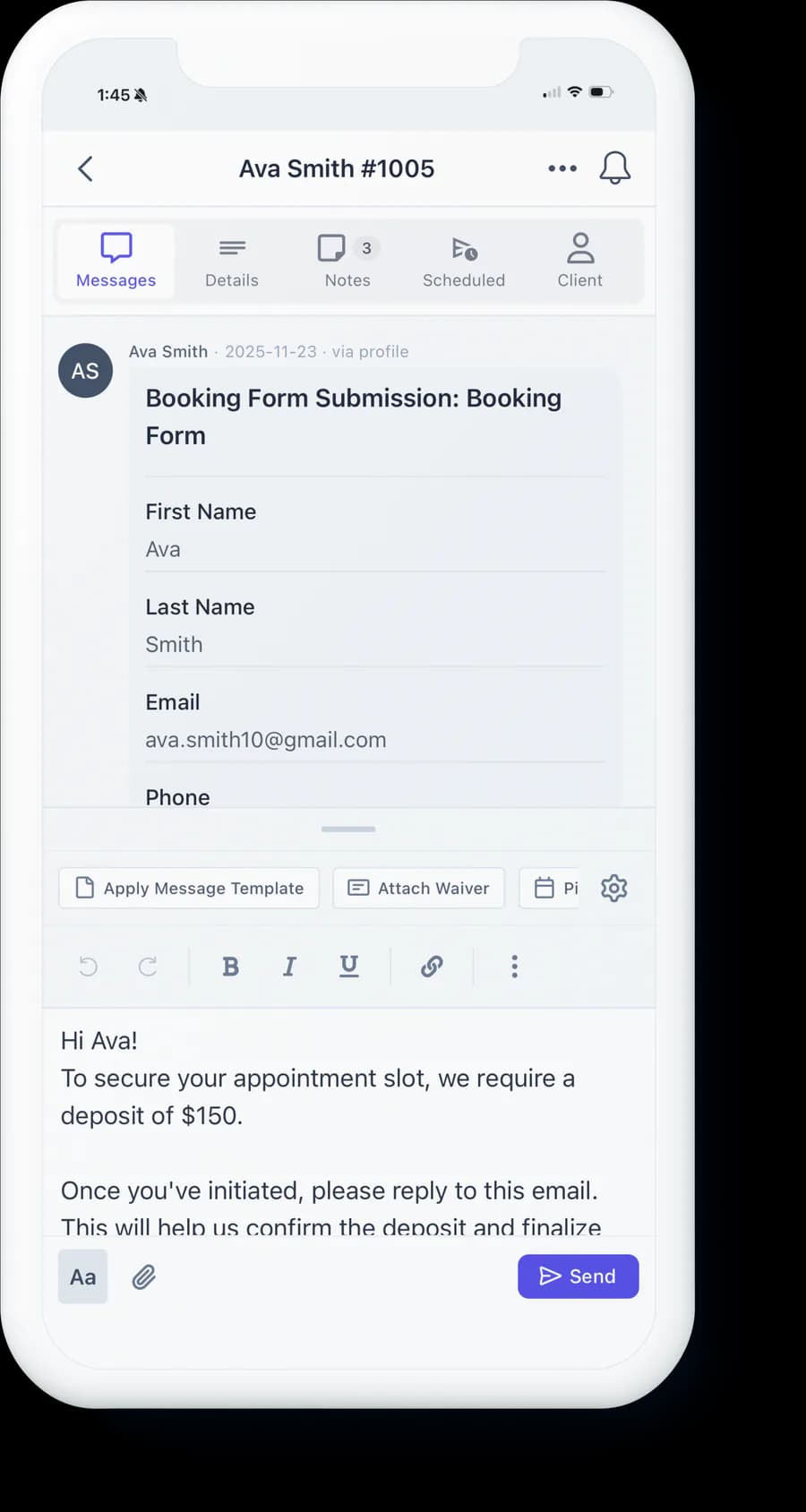
One inbox for all client conversations
Reporting & Insights
Track revenue, bookings, and studio performance
Join the artists and studios running like the real businesses they’ve become.
No card to start · A fraction of one deposit covers your month
Whether I'm at my shop, doing a guest spot, or booking for a convention it makes my life simpler than when I was using Instagram and emails. There's way less chaos in my life!
”InkDesk has refined my client communication and scheduling process to one platform! I find myself with more time and energy to focus on tattooing. Would recommend to all my artist friends!
”InkDesk has transformed dozens of direct messages into 2-3 clear and concise communications. It saves me loads of time and is a great way to prevent any confusion in your schedule.
”Now I can focus my time more on the clients in my chair instead of wasting my time with unintuitive software and separate messaging platforms.
”InkDesk has made appointment scheduling much simpler. This platform has saved me time and energy that can be focused on the art of tattooing instead.
”InkDesk has been a game changer for my client organization and scheduling needs! The automation features have been incredibly useful in sending reminders to my clients and I am so happy with my overall experience. 10/10!
”InkDesk makes my life easier and most importantly saves time. The sorting features are super helpful in organizing clients and getting them on my calendar.
”