“
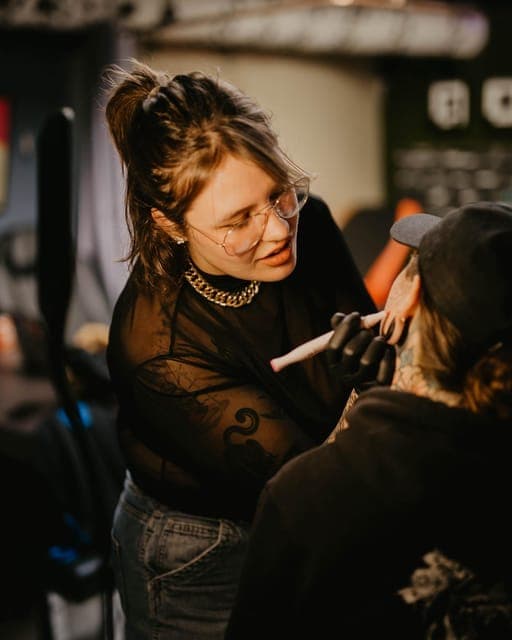
Whether I'm at my shop, doing a guest spot, or booking for a convention it makes my life simpler than when I was using Instagram and emails. There's way less chaos in my life!
”Custom Booking Forms
Collect reference images, placement, size, and budget upfront — in one submission. No chasing. No guesswork.
Artists waste time chasing the details they need before every appointment:
Result: frustrated clients, avoidable mistakes, and hours spent on follow-ups.
Sound familiar? That's exactly what one complete form fixes.
See how it worksCustom questions. Required fields. Image uploads. No guesswork.
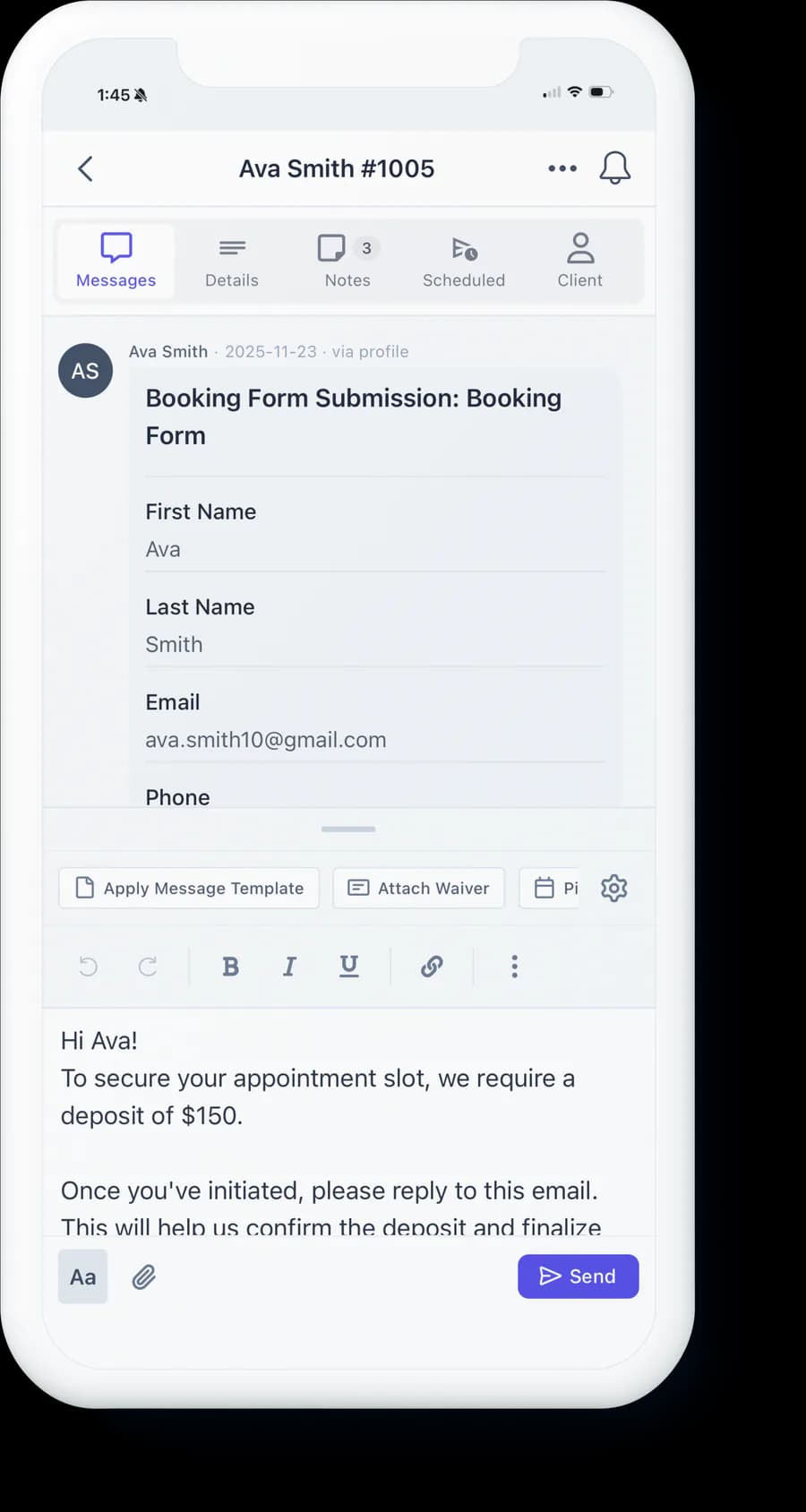
Every submission includes references, placement, size, and budget. No more chasing. No more guesswork.
Clients arrive ready. You have everything you need before they sit down. Fewer surprises, smoother sessions.
Forms filter out tire-kickers. People who fill out detailed requests are ready to book.
One link for all requests. Whether you get 5 or 50 inquiries per week, every submission is complete.
Choose the fields that matter: reference uploads, placement, size, budget, and custom questions. Your workflow. Your rules.
Post on Instagram, your website, or send directly. One link. All requests arrive in one place.
Every request arrives complete. References, placement, budget — ready for you to review and approve.
Have another question?
Forms that collect everything you need — reference images, placement, size, budget — before you reply. Clients submit once. No chasing DMs or emails.
Yes. InkDesk lets you choose exactly what to collect: reference images, placement photos, size preferences, budget range, and custom questions. Add or remove fields to match your workflow.
No. Clients fill out your form and submit without creating an account. They can upload images and provide all details in one submission.
Yes. Add custom questions to collect any information you need — style preferences, placement specifics, or other details unique to your process.
Client Projects
Organize every tattoo in one place
Online Scheduling
Assign times or send a booking link
Deposit Payments
Collect deposits online and reduce no-shows
Digital Waivers
Paperless consent forms, signed before arrival
Client Messaging
One inbox for all client conversations
Automatic Reminders
Reduce no-shows with automated messages
Reporting & Insights
Track revenue, bookings, and studio performance
Join the artists and studios running like the real businesses they’ve become.
No card to start · A fraction of one deposit covers your month
Whether I'm at my shop, doing a guest spot, or booking for a convention it makes my life simpler than when I was using Instagram and emails. There's way less chaos in my life!
”InkDesk has refined my client communication and scheduling process to one platform! I find myself with more time and energy to focus on tattooing. Would recommend to all my artist friends!
”InkDesk has transformed dozens of direct messages into 2-3 clear and concise communications. It saves me loads of time and is a great way to prevent any confusion in your schedule.
”Now I can focus my time more on the clients in my chair instead of wasting my time with unintuitive software and separate messaging platforms.
”InkDesk has made appointment scheduling much simpler. This platform has saved me time and energy that can be focused on the art of tattooing instead.
”InkDesk has been a game changer for my client organization and scheduling needs! The automation features have been incredibly useful in sending reminders to my clients and I am so happy with my overall experience. 10/10!
”InkDesk makes my life easier and most importantly saves time. The sorting features are super helpful in organizing clients and getting them on my calendar.
”